

Logo

AI-Powered Resume Builder – Easy to Use

Build your next resume with AI writing help. Choose from editable templates and add skills in one click — all from your computer or phone.

Let AI do the work!

Try It First

Describe your role in a few words, and we'll generate tailored content for your work experience section.

Resume BuilderSupport

Generate Your Resume Bullet Points with AI

Let AI do the work!

Enter a skill or responsibility to generate powerful bullet points.

0 chars

Not sure what to write? Try one of these examples.

administer medications, collaborate on care plans, educate patients

Created work schedule

Communication

Make a Resume That Gets Results

template

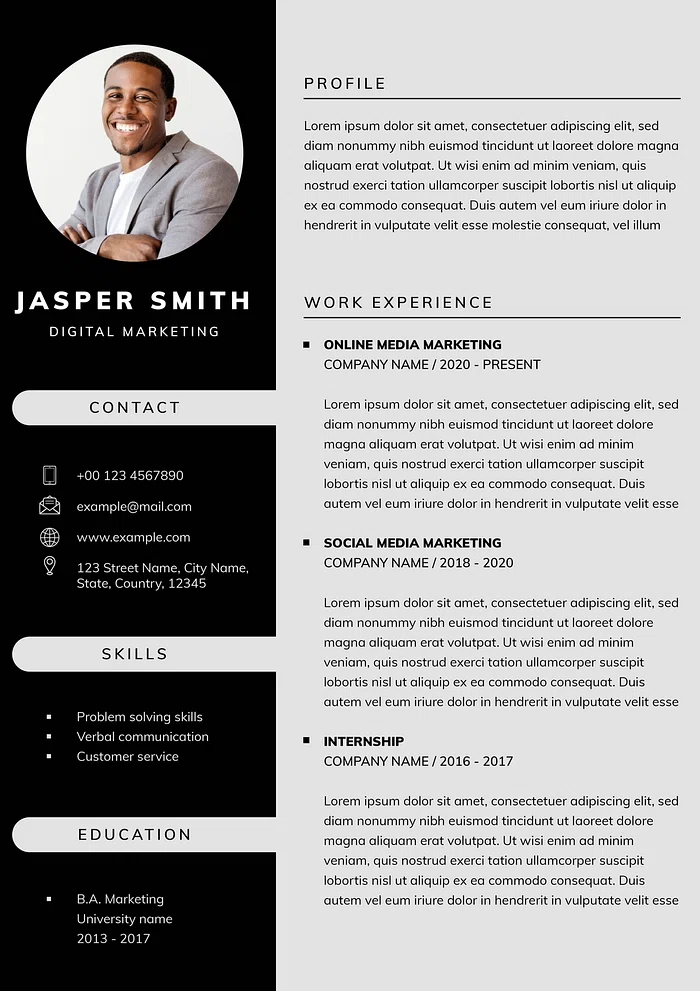
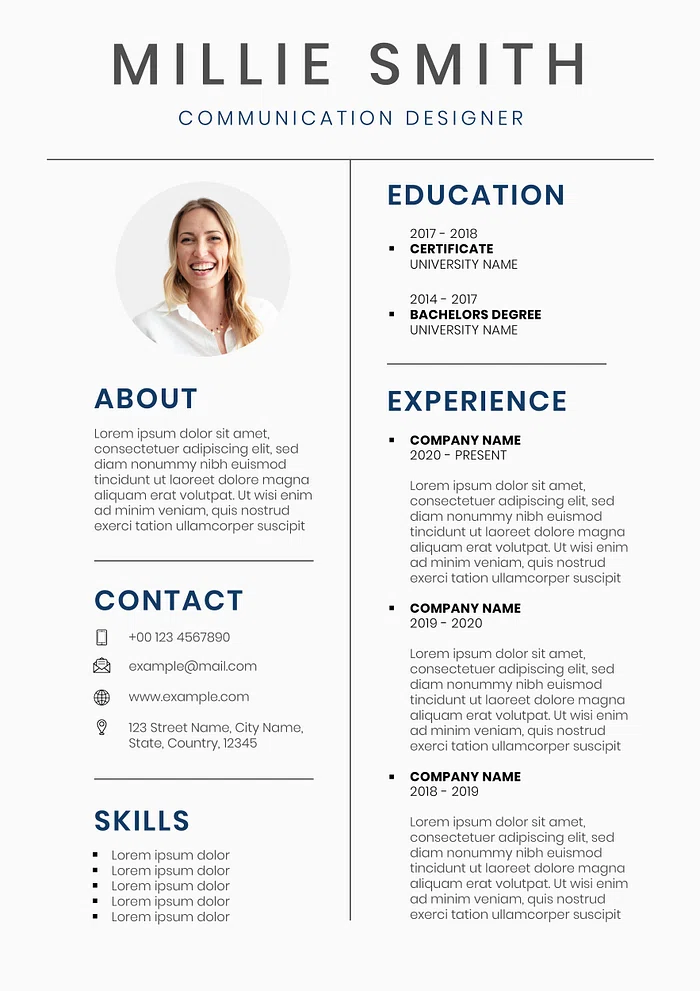
Choose a professional template

skills

Add skills and bullet points in one click

resume

Finish your resume in minutes

download

Save and download your PDF

Explore the resume writing guide

A New Resume Fast

Follow a practical guide to choosing a layout, writing about your experience and checking your finished resume.

Practical tips for your next resume

Resume essentials

★★★★★

Clear writing. Accurate details.

Design My Resume
★★★★★

Show your own contribution

Describe the work you completed and the tools you used.

Resume tip · Clarity

★★★★★

Keep every claim honest

Use real qualifications, dates and outcomes you can explain.

Resume tip · Accuracy

★★★★★

Make key details easy to find

Use clear headings and a layout suited to your content.

Resume tip · Structure

★★★★★

Check before applying

Read the final document and follow the employer’s file instructions.

Resume tip · Review

Built for your next chapter

Your next chapter

Resumes Made with Design My Resume

Choose a layout, add your real experience and create a resume for your next application.
Resume Success
✓ Editable layouts
✦ Step-by-step editing

Choose Your Professional Template

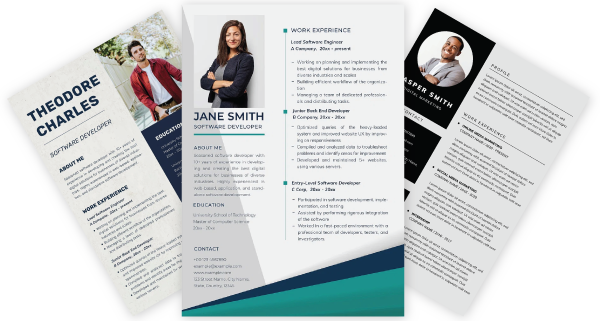
Select one of the resume templates below. Fill it in with AI-generated text inspired by your work experience.

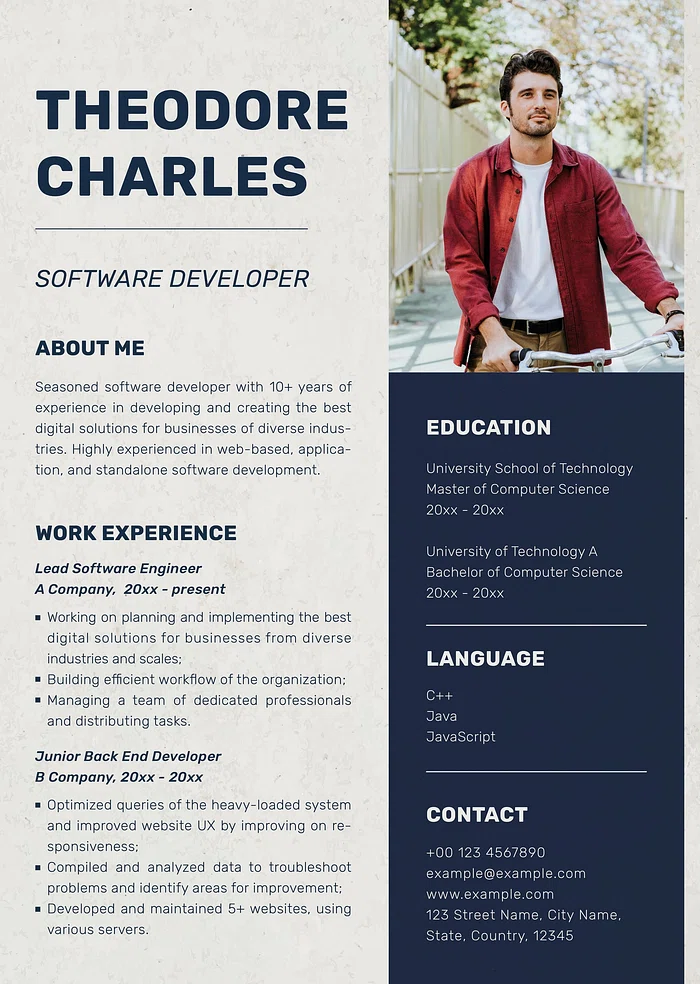
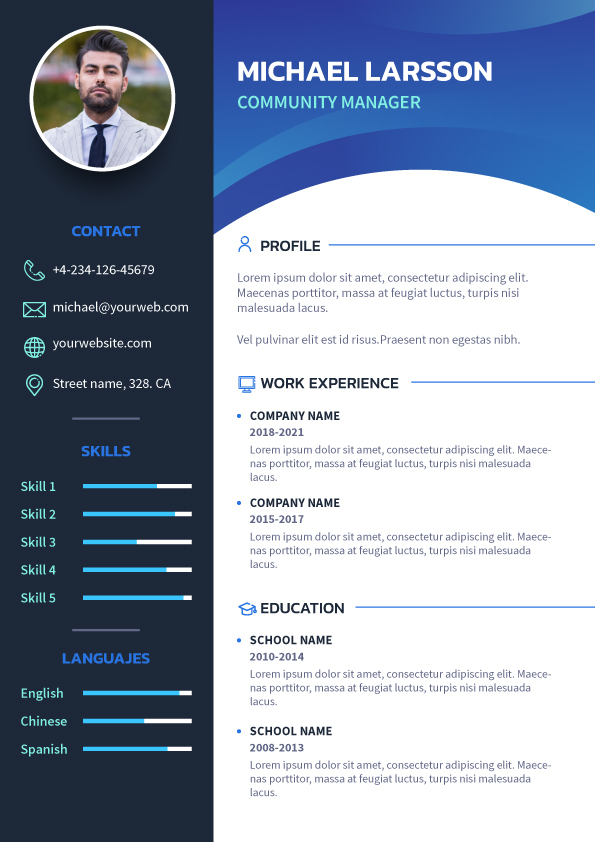
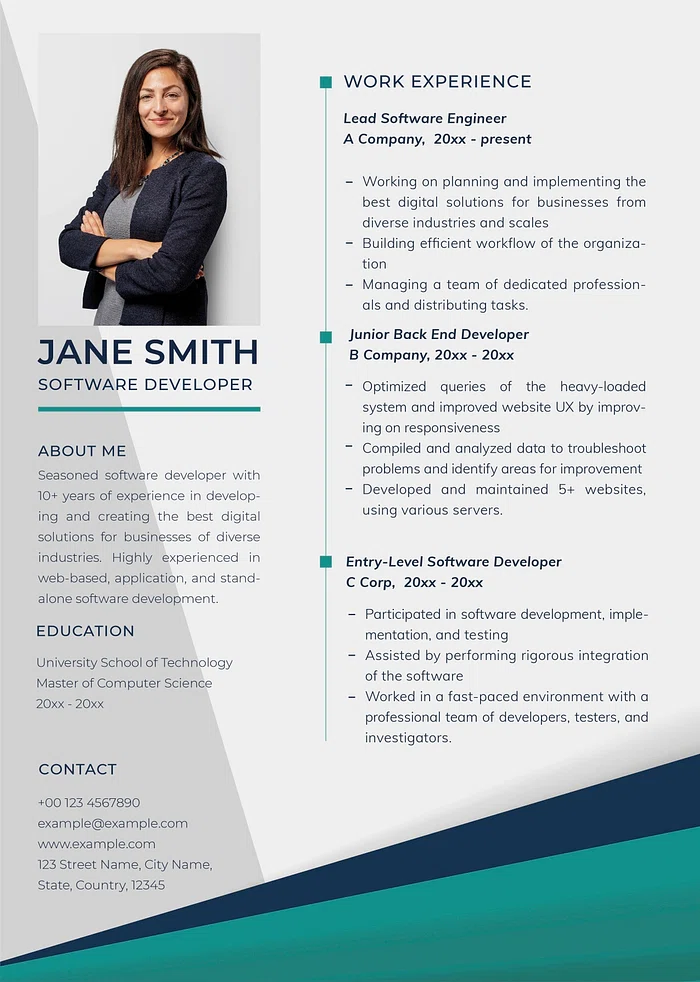
Creative resume templates
Simple resume templates
Modern resume templates

Build a resume for your next step

Start with a layout that fits your experience. Freshers can highlight education, internships and projects; experienced professionals can focus on relevant work and achievements.

Why Use Our Online Resume Builder

Powerful features designed to help you create the perfect resume with ease

New, professional designs

Choose from a wide range of styles for every job level and type. From fun and creative to simple and modern, there's a perfect design for everyone.
New, professional designs

ATS-friendly

Employers use applicant tracking systems (ATS) to filter out candidates. Use clear headings and readable text, then check how your resume is parsed before applying. No template guarantees a result in every ATS.
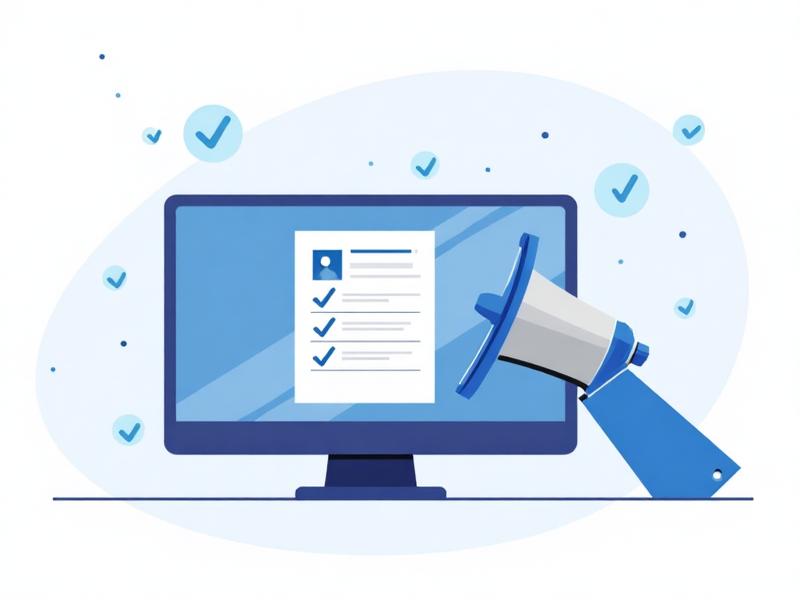
ATS-friendly

AI-powered content

Get AI-generated content suggestions for your resume based on your previous roles. Review each suggestion for accuracy and keep only claims that match your own experience.

AI-powered content

Step-by-step support

Our Resume Creator provides detailed tips and advice throughout the process, with customer support ready to assist you anytime.
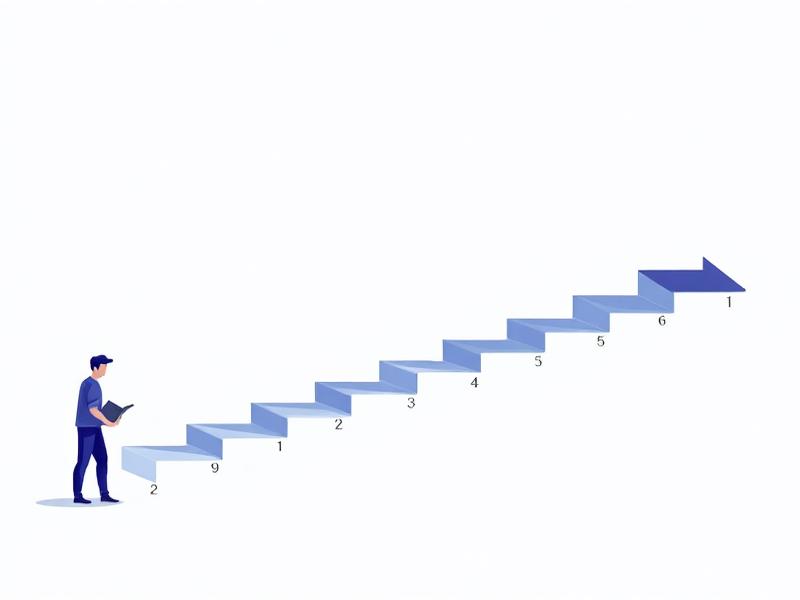
Step-by-step support

Resume import

Import an existing resume, review the extracted details and update them in the editor. Check names, dates and sections before exporting.
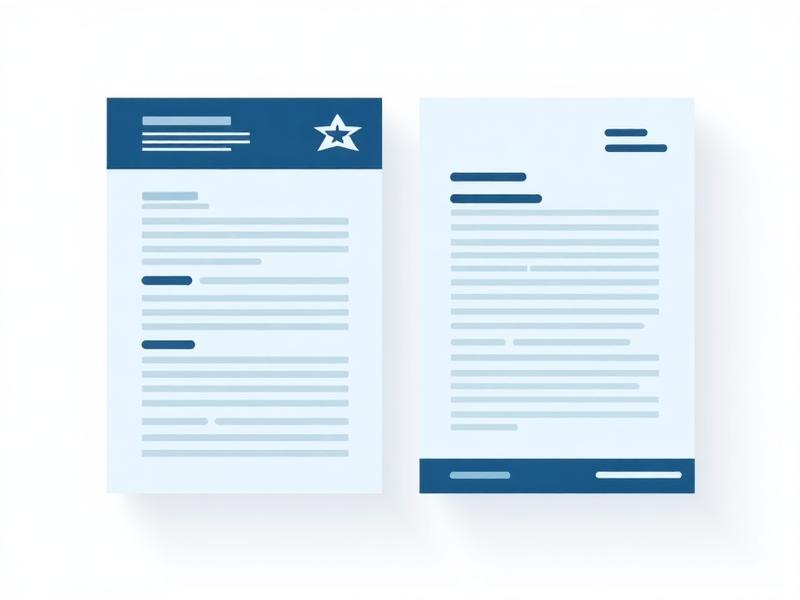
Resume import

Unlimited resumes

Make and edit unlimited resumes, experiment with multiple templates and download your resumes as PDFs.

Unlimited resumes

Three checks before you send your resume

Start with relevant evidence

Choose education, experience and projects that relate to the role. Write about work you can explain.

Make each section readable

Use consistent headings and dates. Keep paragraphs short and give your details enough space.

Check your final PDF

Review names, contact details and page breaks after downloading. Follow the employer’s file instructions.

Find Inspiration in Real-World Examples

Browse resume examples by profession with sample summaries, skills and project bullets. Examples are fictional; adapt them to your own background.

Teacher Resume
Teacher Resume
College Resume
College Resume
Registered Nurse Resume
Admin Resume
Admin Resume

Your next application starts with a clear, honest resume

Frequently Asked Questions

Answers to common questions about Design My Resume AI-powered resume builder and tools.
A resume builder is an online tool that helps you quickly create a professional resume using templates and guided prompts. It eliminates formatting hassles and ensures your resume looks polished.
Design My Resume AI Resume Builder provides smart content suggestions based on your experience and job title, helping you write powerful bullet points that get attention from recruiters.
You can explore templates and prepare a resume draft. Download and subscription availability is shown on Plans & Billing. Any recurring payment requires your explicit authorisation before checkout.
Yes! Our AI can analyze your background and generate professional resume content tailored to your career goals, saving you time and improving your chances of getting noticed.
Check Plans & Billing for current PDF download options and any subscription price. Review the trial and renewal terms before paying.
ATS systems vary. Use clear sections and readable text, check the extracted details, and follow the employer’s instructions. No tool can guarantee that a resume will pass every ATS.
Yes. You can create a traditional CV or an academic CV with custom sections like publications and research, using our professional templates.
Definitely. Online resume builders make it faster and easier to create high-quality resumes that employers love. It’s a smart and widely accepted approach.
Yes. Students and freshers can start with a simple template and highlight education, relevant skills, internships and projects. If you have no work experience, focus on the qualifications and achievements that relate to the job you want.
The current builder focuses on resumes and CVs. A separate cover letter generator is not currently available.
You can prepare and preview a draft as a guest. Sign in before downloading so you can return to your saved resume later. View Plans & Billing for current download options.
Sign in to save your resume, then download your PDF or print it. To email it, attach the downloaded PDF using your own email app.
Use our contact form, email contact@designmyresume.com, or contact us on WhatsApp at +91 8827660733 for help with the resume builder.
Always apply through trusted sources, be cautious of unrealistic offers, and never share personal information or send money to employers.